
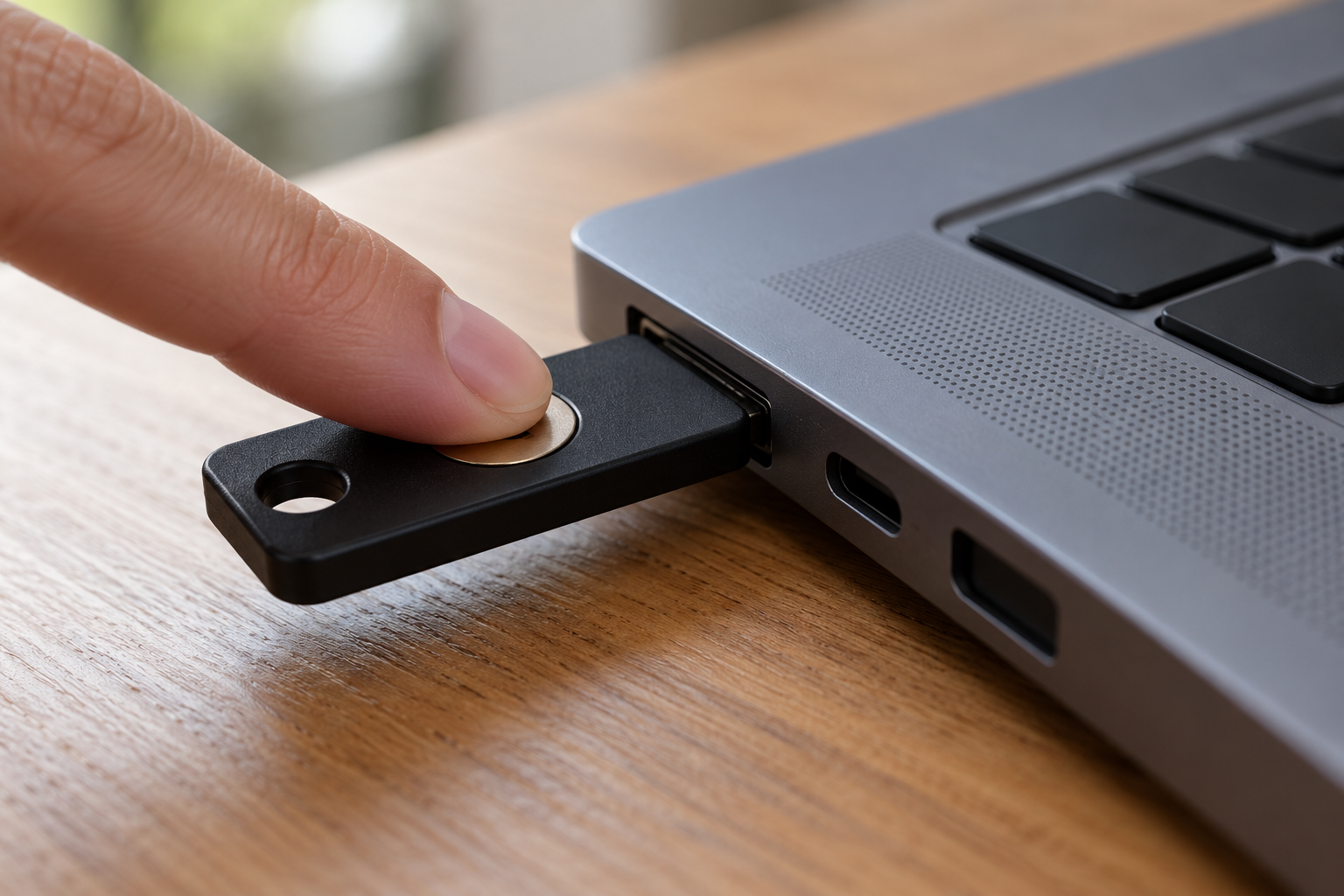
You create a passkey for a website, approve the prompt, and sign in successfully. Later, you open the same site on another computer and wonder why the passkey is missing. The answer may depend on where it was created and how it is stored.
Passkeys can be synced through a provider or bound to one device. Both can support passwordless sign-in, but they create different expectations about availability and recovery.
What does a passkey actually replace?
A passkey uses cryptographic credentials instead of a password you type into the website. You generally authorise its use with a device’s supported unlock method, such as a PIN or biometric check.
The website does not receive your fingerprint as a reusable password. The local check authorises the authentication process. Passkeys are designed to resist phishing by tying authentication to the intended service, rather than asking you to recognise every convincing imitation of a sign-in page.
That security property does not answer every practical question about the account. You still need to understand the device, provider, and recovery arrangements associated with the passkey.
Synced passkeys follow a provider’s arrangements
A synced passkey can become available on other supported devices through the passkey provider you use. That provider might be built into an operating system or browser, or supplied through a separate credential-management service.
For example, Google documents backing up and syncing passkeys through Google Password Manager to the same Google Account on eligible devices. Apple documents passkey syncing through iCloud Keychain across approved devices. These are provider-specific arrangements, not a promise that every passkey appears everywhere.
Check which provider the creation prompt names. If you have several credential managers available, the choice can be easy to overlook. Recording the provider’s name is useful; copying secret recovery information into an ordinary note is a different matter and should follow appropriate secure-storage guidance.
Device-bound passkeys stay with their device
A device-bound passkey does not sync to other devices. A hardware security key can hold this kind of credential, allowing you to carry the physical authenticator to a compatible device when the service supports it.
Moving the security key is different from syncing its contents. If that key is lost or reset, you should not assume the passkey can be restored from a cloud copy. Google explicitly warns that passkeys on a lost or reset security key cannot be recovered from that key.
The relevant account might still offer another way in, such as a separately registered authenticator or an approved recovery process. That depends on the service and what you have configured. It is not a reason to ignore the loss of the original credential.
Using another device is not necessarily copying the passkey
Some sign-in flows let one device authorise access on another. For example, a phone may be used during a sign-in initiated on a computer. That can be convenient without meaning the passkey has been transferred permanently to the computer.
Distinguish three questions: where the credential is stored, which device is authorising this sign-in, and whether the credential will be available for a later sign-in. Similar-looking prompts can hide different answers.
Use the service’s and provider’s instructions when checking support. Do not assume a successful demonstration on one combination of devices establishes that every browser or operating system will behave identically.
Plan for loss before replacing equipment
Before resetting or trading in a device, confirm that you can sign in through a supported route you intend to retain. Check the account’s registered authentication methods and the provider’s recovery requirements.
Apple’s documented keychain recovery, for instance, has specific account and authentication conditions. Syncing provides redundancy, but recovering the provider account is still part of the arrangement. A recovery method you no longer control may undermine the plan.
- Which provider or physical device holds this passkey?
- Which supported device can I use if the original is unavailable?
- What account-recovery steps does the service require?
- Have I confirmed the alternative works before removing an existing method?
Choose according to the account’s requirements
A work account may require a particular type of authenticator, while a personal service may offer several options. Follow the relevant policy and avoid removing working sign-in methods merely to make the settings page look simpler.
The useful habit is to treat “passkey created” as the start of understanding its storage and recovery route. Knowing where it lives makes a later device change much less mysterious.