
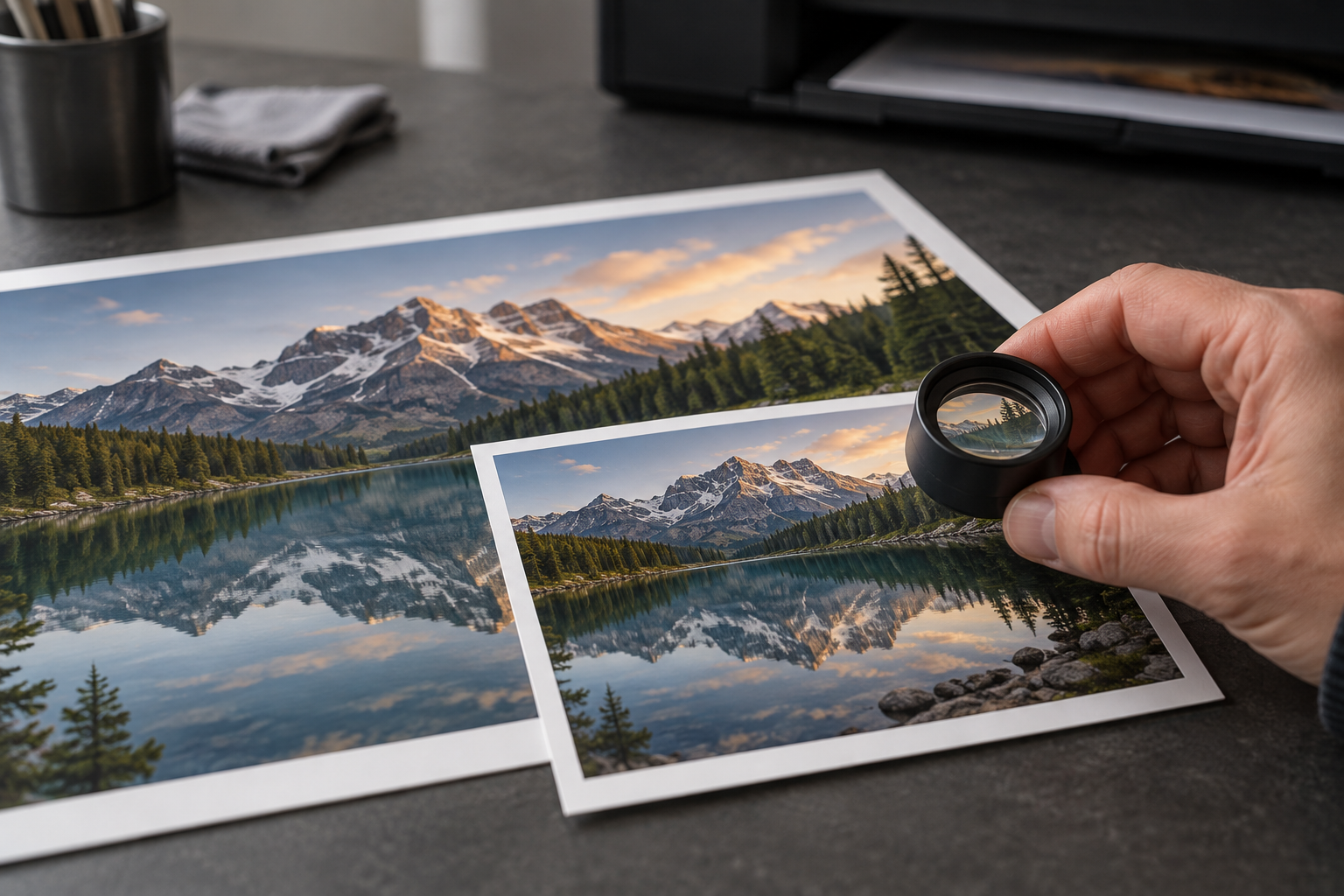
A picture can look sharp on a phone and disappoint when printed large. The useful question is how many image pixels will be available for each inch of the finished print. Start with the original file, the intended paper size, and the crop you actually want.
Which numbers should I look for?
Find the image’s pixel dimensions in its properties or an image editor. A file might contain 2400 pixels across and 3000 pixels from top to bottom. Those numbers describe the digital image, before you decide how large to print it.
File size in megabytes is less informative. Compression, format, and image content all influence how much storage a file occupies. A larger file is not automatically sharper, and a smaller one is not automatically unsuitable.
How do pixels translate into inches?
Divide the number of pixels along an edge by the intended pixels per inch, or PPI. For the 2400-by-3000-pixel example, using 300 PPI gives a print eight inches wide and ten inches high. The arithmetic is 2400 divided by 300, then 3000 divided by 300.
At 150 PPI, the same pixels cover sixteen by twenty inches. That makes a larger print, but spreads the available detail over more paper. It does not create a more detailed image. Calculate both dimensions so you know whether the proposed shape also fits.
Is 300 PPI always required?
No. It is a common target for photographs viewed closely, but print method, subject detail, paper, and viewing distance affect the result. A large image seen across a room can tolerate different compromises from a small print examined in someone’s hands.
Ask the print provider what it recommends for the product and size you are ordering. Treat its requirements as the practical starting point. If your image falls below them, ask about a smaller print or a sample rather than assuming the order will either succeed perfectly or fail completely.
Is PPI the same as the printer’s DPI?
PPI describes the image pixels assigned to each printed inch. DPI, or dots per inch, describes printer output. The printer’s dots and the image’s pixels are different parts of the process, so a high printer DPI does not mean your photograph needs that same numerical PPI.
If an ordering form uses “DPI” loosely for an uploaded photo, check whether it is asking for the file’s pixel dimensions at the chosen print size. Supplying those dimensions avoids an argument over labels and lets the provider assess the actual file.
Can I fix the file by changing its resolution setting?
Changing a resolution value without resampling changes how the existing pixels are distributed across a print. It does not add captured detail. A small image does not become a large, detailed photograph just because its metadata now says 300 PPI.
Resampling changes the pixel count. Enlarging software estimates additional pixels, and some tools may invent plausible-looking detail. Inspect faces, fine textures, straight edges, and lettering carefully after enlargement. Keep an untouched original so you can compare the result and avoid repeatedly enlarging an already altered copy.
Why does the print service crop my picture?
The shape of the image may differ from the shape of the paper. A square image cannot completely fill a rectangular sheet while preserving its full composition and proportions. Something must give: crop the image, leave borders, or choose another print format. Stretching it distorts the subject.
Check the crop preview for cut-off heads, hands, horizons, and important edge details. Cropping also discards pixels. If you remove a large part of the original, recalculate using the remaining pixel dimensions, not the numbers from the uncropped file.
Should I send a screenshot or the original?
Use the original image file where possible. A screenshot may contain fewer pixels, interface elements, or a version already reduced for display. Messaging services and social platforms may also provide smaller copies, depending on how the image was shared.
Ask the photographer for the full-resolution file if you have permission to print it. Avoid saving and resaving through several apps merely to change the filename. Keep the file in the format requested by the printer and inspect the exported copy before uploading.
What is the most useful final check?
Review the actual crop at the intended size and order a small proof when the result matters. Screen zoom alone cannot reproduce paper texture, printed color, or viewing conditions. Check the proof under the light where the finished image will be seen.
Before confirming the order, verify orientation, borders, quantity, and finish as well as resolution. A technically sharp file can still produce the wrong print if the checkout settings do not match the picture you had in mind.