
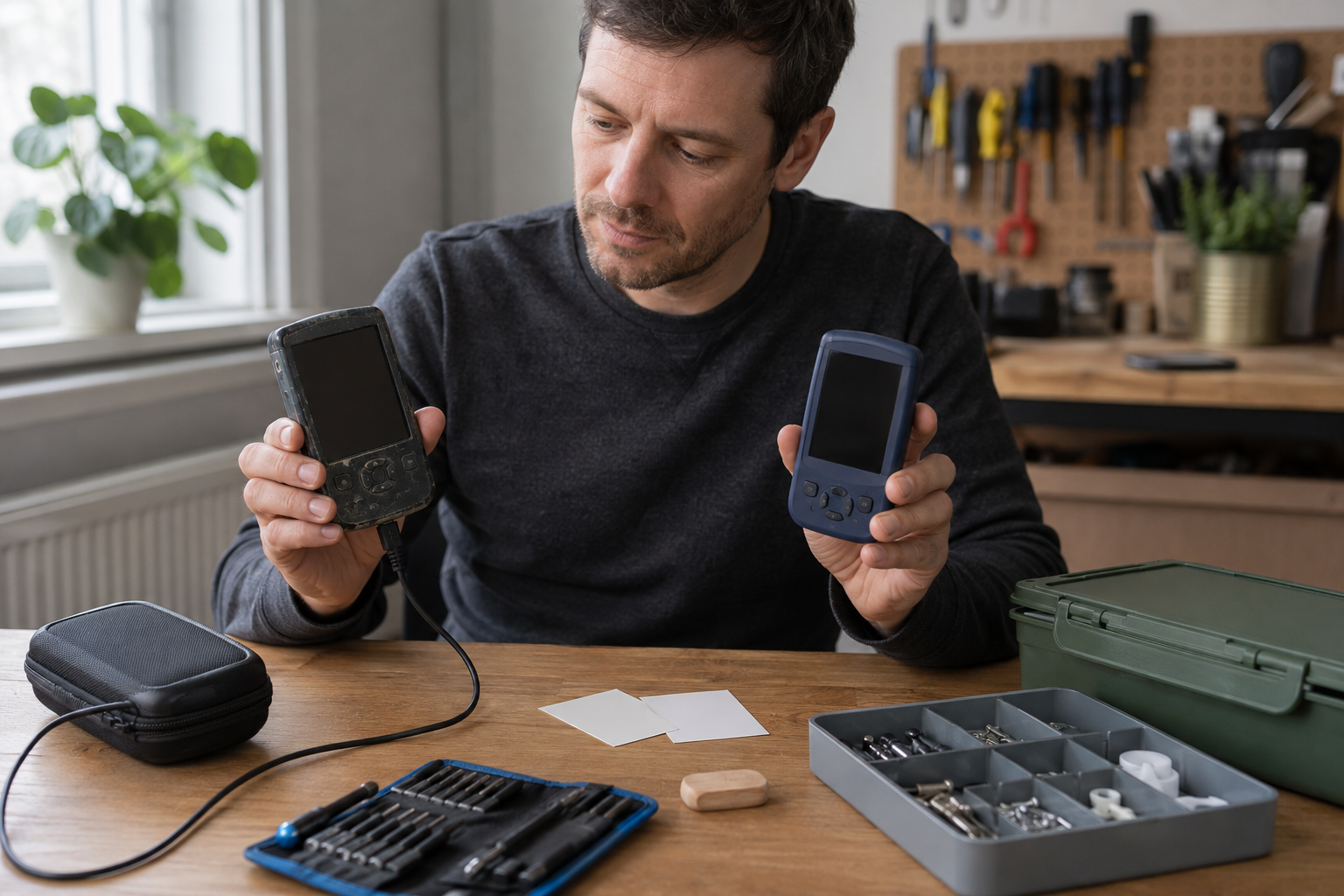
A gadget rarely announces the correct day to replace it. Instead, small irritations accumulate. The battery needs another charge. A task takes longer. A software update no longer appears. A new model promises a cleaner design and an impressive feature that may or may not matter after the first week.
That ambiguity creates two expensive habits. Some people replace working equipment whenever novelty appears. Others tolerate unreliable devices until a sudden failure disrupts work, travel, communication, or safety. The useful decision sits between those extremes.
A replacement threshold is a set of conditions chosen before marketing pressure or frustration takes over. It compares the gadget’s real job with its reliability, support, repair options, operating friction, and transition cost. When several meaningful conditions cross the threshold, replacement becomes a reasoned response rather than an impulse.
Start With the Job, Not the Device
Define what the gadget must accomplish in ordinary life. A phone may need to handle calls, messages, navigation, authentication, photographs, and occasional work. A kitchen appliance may need to complete one repeated process safely and consistently. A pair of wireless headphones may need to remain comfortable through a commute and switch reliably between essential devices.
Separate required jobs from pleasant extras. Required jobs affect whether the day works. Extras may improve comfort or enjoyment without solving a recurring problem. This distinction prevents a new feature from rewriting the purpose of an existing device.
Write the baseline in concrete terms. Instead of saying a laptop should be fast, identify the regular tasks that must open, run together, and finish without disruptive waiting. Instead of saying a camera should be better, describe the lighting, movement, output, and handling conditions that the current one cannot manage.
The baseline becomes the reference for every later question. A gadget does not need to match the newest model. It needs to perform its actual job at an acceptable cost and level of risk.
Use Five Threshold Dimensions
A sound decision considers five dimensions: reliability, support, repairability, capability, and daily friction. No single dimension automatically demands an upgrade, except an immediate safety hazard. Together, they show whether the device remains a tool or has become a recurring project.
Reliability
Reliability asks whether the gadget behaves predictably. Unexpected shutdowns, intermittent connections, corrupted files, overheating, false readings, and controls that work only after repeated attempts are meaningful signals. Frequency matters, but consequence matters more. A failure during casual entertainment is different from a failure during navigation or paid work.
Look for patterns. Does the problem occur after a particular duration, in heat, during heavy processing, or only with one accessory? A pattern may reveal a repairable component or a usage condition. Random failures with no recoverable cause create a higher replacement pressure because they prevent planning.
Support and Security
Connected gadgets depend on more than physical hardware. They may require security updates, compatible applications, cloud services, or account authentication. When essential support ends, the device can keep turning on while becoming less suitable for sensitive tasks.
Distinguish cosmetic software changes from protections and compatibility required for the core job. A device that remains offline and performs a narrow local function may have a long useful life. A device that stores personal information, handles payments, or controls access deserves a stricter support threshold.
Repairability
A fault does not automatically justify replacement. Ask whether the failing part can be diagnosed, whether a competent repair is available, how long the repair will last, and whether other major components are likely to fail soon.
Repair makes sense when it restores dependable service at a reasonable total cost. Total cost includes parts, labor, travel, downtime, lost settings, and the possibility of an unsuccessful diagnosis. A cheap repair that leaves the original problem unresolved is not cheap.
Capability
Capability is the gap between the baseline job and current performance. The gap should be observed, not imagined. Does the device fail to run a required tool? Is storage constantly blocking normal work even after sensible cleanup? Does an essential accessory no longer connect? Is the output quality below a real delivery requirement?
A capability threshold should describe work that cannot be completed acceptably. Faster completion is valuable when waiting repeatedly consumes time or breaks concentration, but vague impatience is not enough. Measure a representative task before assuming that new hardware is the only solution.
Daily Friction
Friction includes all the compensating behavior required to keep the device useful. Carrying multiple chargers, restarting before a meeting, clearing storage every few days, reconnecting accessories, adjusting a loose cable, or moving work between devices can each seem minor. Together, they may create a large maintenance burden.
Friction is especially important because people normalize it. A workaround repeated for months stops feeling like a cost. Recording it makes the hidden labor visible.
Recognize Immediate Stop Conditions
Some signs should pause normal use rather than enter a gradual comparison. A swollen battery, burning smell, exposed wiring, liquid near mains power, severe overheating, damaged safety guard, or charger with compromised insulation requires appropriate professional attention. Do not keep testing a gadget that may be unsafe.
Data integrity can create another stop condition. If a storage device produces repeated errors or a gadget loses irreplaceable work, protect available data and move the critical task elsewhere before experimenting. Replacement and recovery are separate decisions; a new device does not restore missing files.
A compromised account or unsupported security component may also require immediate isolation. The key principle is containment. Remove the risky device from the task it can no longer perform safely, then decide whether repair, limited reassignment, or replacement is appropriate.
Keep a Short Friction Log
Memory exaggerates recent annoyances and overlooks repeated small costs. A short friction log produces better evidence. For a representative period, record each meaningful interruption, its duration, the workaround, and the consequence.
Use categories rather than elaborate notes:
- Failure: the device did not complete the intended task.
- Delay: the task completed but required disruptive waiting.
- Recovery: settings, files, connections, or physical parts needed restoration.
- Constraint: the device prevented use of an essential tool or accessory.
- Maintenance: normal operation required unusual cleaning, charging, storage management, or adjustment.
At the end, look for clusters. One isolated failure may not matter. A repeated failure in an essential job may cross the threshold even when the device works well elsewhere. The log turns dissatisfaction into a specific replacement case.
Compare Repair, Reassignment, and Replacement
Replacement is only one path. A successful repair can restore the original job. Reassignment can move the gadget to a less demanding role. An older tablet might become an offline reference display. A camera with unreliable wireless transfer may still work for a careful manual workflow. A speaker with a tired battery may remain useful in a fixed powered location.
Reassignment should be purposeful. Keeping every old gadget for a hypothetical future use creates storage, charging, security, and disposal problems. Name the new job, location, user, and review date. If no real use exists, prepare the device for responsible transfer or recycling.
Compare the paths using the same baseline. How much reliable service is likely after repair? Does reassignment avoid the failing feature? Does replacement remove the main friction without adding a new dependency? A clear comparison prevents a familiar device from receiving endless repairs and prevents a fixable one from becoming waste.
Calculate the Transition Cost
The purchase price is not the whole cost of replacement. A new gadget may require accessories, adapters, subscriptions, protective equipment, setup time, account recovery, data transfer, learning, and changes to the rest of the household or workplace system.
Compatibility can dominate the decision. A new connector may make existing chargers inconvenient. A device may not support a specialized peripheral. A smart-home component may depend on a control system already in use. List these connections before selecting a replacement.
Transition risk matters too. Can settings and data be moved accurately? Is there a period when both devices must remain available? Will the new workflow depend on an unfamiliar process during an important deadline? Plan the transition when the old device still works well enough to cooperate.
Include resale, donation, or recycling preparation in the plan. Securely remove personal data, sign out of accounts, detach the gadget from access controls, and gather any components needed by the next user or recycling process. A replacement decision is unfinished while the old device remains an unmanaged security or clutter problem.
Set a Multi-Signal Decision Rule
A replacement threshold works best as a multi-signal rule. For example, replacement may become justified when the gadget can no longer perform one required job and repair cannot restore it, or when several persistent problems combine across reliability, support, and friction.
Write the rule before browsing alternatives. A rule might include these conditions:
- An essential task repeatedly fails under normal use.
- Required security or application support is unavailable.
- A qualified repair would cost too much relative to dependable service restored.
- Workarounds regularly consume attention or require carrying duplicate equipment.
- A specific available replacement solves the measured problem without unacceptable transition costs.
The final condition is crucial. Being dissatisfied with the old gadget does not prove that a proposed new one is suitable. Replacement should close a demonstrated gap.
Test the Upgrade Case Before Buying
Create two columns: problems the replacement must solve and qualities that would merely be enjoyable. Research and compare against the first column. If a candidate does not address the reliability, support, capability, or friction that triggered the search, it is a distraction.
Whenever possible, simulate the new workflow. Handle a comparable device, borrow one appropriately, or test a demonstration unit without entering personal information. Check the tasks that matter: controls, comfort, visibility, accessory connection, file movement, or cleaning. A specification can describe capacity but not how a tool fits a person’s habits and body.
Choose adequate headroom rather than maximum specifications. Headroom allows the gadget to handle expected growth in tasks, files, or software. Maximum capacity often adds cost, weight, heat, or complexity that never serves the baseline job.
Consider longevity features that match likely failure points. Replaceable wear parts, available service, durable ports, continued support, and common accessories may matter more than a dramatic feature used occasionally.
Adapt the Threshold to the Gadget
Different devices deserve different weighting. For a communication device, support, battery reliability, and access to essential applications may lead. For a kitchen gadget, physical safety, cleanability, and consistency matter more. For headphones, comfort, battery condition, repairable pads, and stable connection may define the threshold.
A work computer has a high downtime cost, so replacement planning should begin before total failure. A recreational gadget can tolerate more inconvenience. A device used by several household members needs predictable controls and available support, not merely advanced capability.
The threshold can also change with circumstances. A traveler may need greater battery reliability than someone working beside power. A new accessibility need can turn an optional feature into a requirement. Revising the baseline is reasonable when life changes; chasing novelty is not the same thing.
Use a Post-Upgrade Review
After replacing a gadget, review the decision once the novelty fades. Did the measured problems disappear? Which transition costs were missed? Are old workarounds still happening from habit? Did an advertised benefit become useful, or did it add complexity?
This review improves the next threshold. It may reveal that storage planning mattered more than processing power, that repair should have been attempted earlier, or that a simpler model would have been sufficient. Keep those lessons with purchase records and maintenance notes.
Also decide what will trigger routine care for the new device. Backups, cleaning, battery-friendly habits, updates, and protective storage extend useful service. A replacement threshold is not permission to neglect the replacement.
Replace a Problem, Not a Feeling
A good upgrade feels less like shopping and more like maintenance of a working system. The old gadget has a defined job. Its failures and friction are observed. Repair and reassignment receive a fair comparison. The candidate replacement solves the measured gap and can enter the existing workflow without creating a larger one.
This discipline does not remove pleasure from technology. It puts pleasure in the right place. A person can enjoy a well-designed new tool while knowing why it was chosen and what it must do.
The replacement threshold protects both time and attention. It helps a useful gadget remain in service, identifies when patience has become costly, and turns the eventual upgrade into a deliberate improvement rather than a reaction to the latest release.