
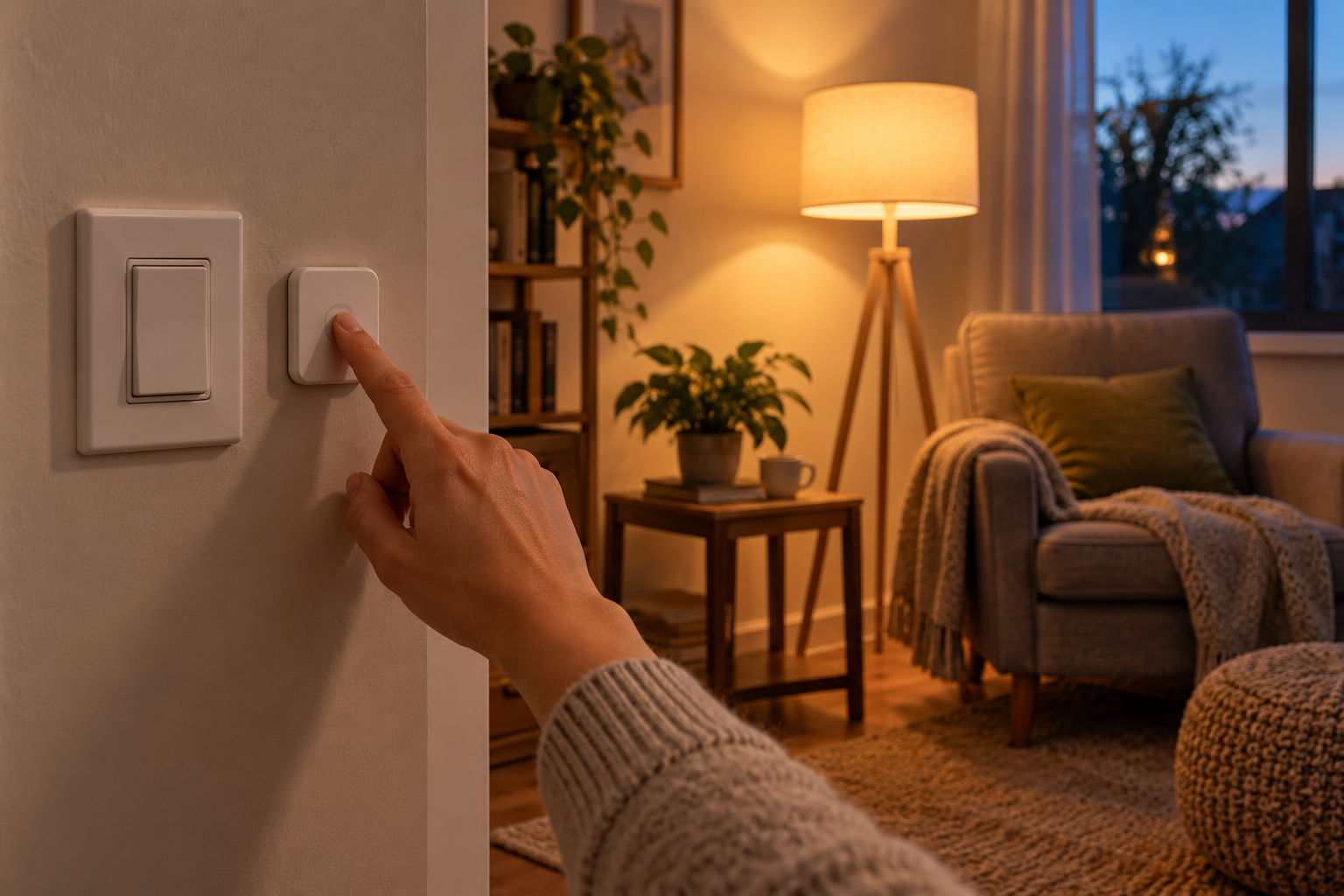
The lamp works beautifully when you tap its app. Then a visitor asks how to turn it on, your phone is charging upstairs, or the internet connection drops. These ordinary moments reveal something the setup screen cannot: whether the room has a dependable way to get light.
Start with one nonessential plug-in lamp rather than an entire house. The aim is to learn how its controls behave and leave everyone with an understandable fallback. Keep ordinary lighting available throughout the check.
Separate the things that can fail
A phone, a home network, an internet connection, a lighting hub, and the lamp’s electrical supply are different dependencies. Losing one does not necessarily mean losing the others. An internet outage can leave local Wi-Fi running, while switching off a router may interrupt the local network too.
Some systems communicate through a bridge; others connect directly to a phone or use another local controller. Philips Hue, for example, describes different communication arrangements for its bridge and Bluetooth setups. That is a useful reminder to identify your own arrangement before assuming a particular control will survive an outage.
Check the documentation for your exact bulb, controller, and app. Look for separate explanations of local control, remote access, schedules, and power restoration. A feature described as local should still be checked in the configuration you actually use.
First, put the phone aside
Leave everything connected and ask another household member to turn the lamp on, adjust it to a comfortable level, and turn it off without your phone. Offer the normal physical control, then watch where the instructions become unclear.
A button that only makes sense after a spoken explanation may need a better position or a simpler assignment. For shared lighting, a predictable press that produces useful light can be more valuable than several hidden gestures. Make any configuration change through the manufacturer’s supported controls.
Distinguish a wireless lighting button from a switch that cuts electrical power. A smart bulb generally needs power to receive commands; a conventional switch left off can therefore make an otherwise functioning automation appear broken. Do not alter wiring or disable ordinary controls to solve this misunderstanding.
Check internet loss as a separate condition
If the manufacturer provides a safe offline test, follow it during an agreed quiet period. Explain the plan to anyone who relies on the household connection. Do not interrupt work, medical equipment, security arrangements, or other essential services merely to test a lamp.
The useful condition is internet unavailable while the required local equipment remains powered and connected. Turning off every network device creates a different test. If you cannot establish the intended condition safely, record it as untested and ask the manufacturer how its offline operation works.
Try only the lighting functions that matter in that room. A physical button might work while remote app access does not. A schedule might depend on a powered local controller, or on a service elsewhere. Matter supports local communication, but the standard’s presence is not a promise that every app feature or household automation works without internet access.
Write down results that someone else can use
- Which control turns the lamp on without a phone?
- Which devices must remain powered for that control?
- Does the important schedule run under the tested condition?
- What should someone try when the usual method fails?
Keep the answers brief and specific. “Press the button beside the chair” helps a visitor more than an explanation of networking protocols. A note that says “not checked during an internet outage” is more useful than an unsupported assurance.
Also review the lamp’s documented behavior after electricity returns. Settings differ, and a lamp unexpectedly coming on at night can matter even when the rest of the system is working. There is no need to create a household power interruption to investigate this; begin with the manual and supported settings.
Leave the room easier to use
After any test, restore the connection and confirm that ordinary controls and the intended routine work again. Preserve the results when changing a hub, app, or automation, since a new configuration can change the path a command takes.
If the fallback is awkward, simplify one part of the setup before adding more routines. An accessible physical control, an ordinary lamp nearby, and a short explanation can make the room welcoming while you investigate a more elaborate solution. The successful setup is the one people can use when your phone is somewhere else.